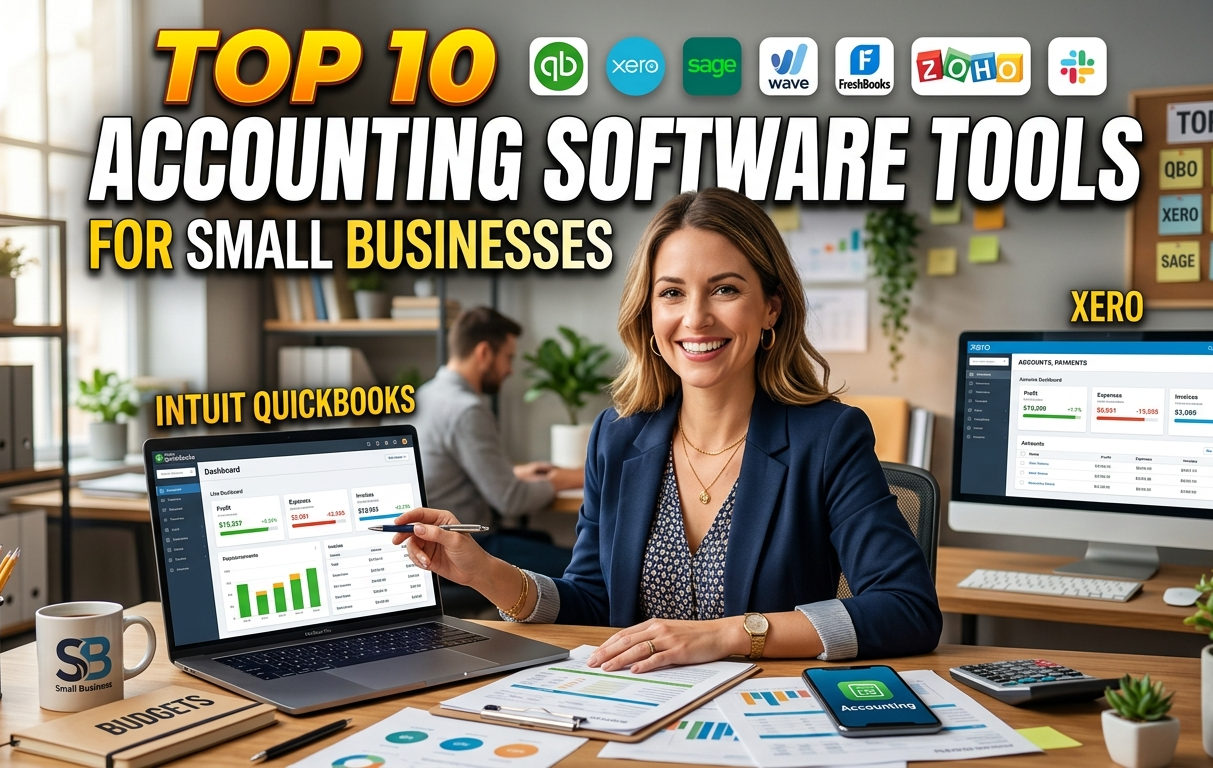
Running a small business in 2026 means juggling invoices, expenses, taxes, cash flow, and compliance—all while keeping costs low and operations efficient. The good news? Modern cloud-based accounting software has evolved dramatically, with AI-powered automation, seamless integrations, mobile access, and stronger security features making financial management easier than ever.
Whether you’re a freelancer sending client invoices, a retail shop tracking inventory, or a growing startup needing payroll and reporting, the right tool can save hours each week and prevent costly mistakes.
In this detailed guide, we break down the top 10 accounting software options for small businesses, based on recent expert reviews (from sources like PCMag, ZDNET, Forbes Advisor, and user feedback). We cover key features, pricing (as of early 2026), pros/cons, ideal users, and why each stands out.
2026 Quick-Selection Decision Matrix
| If You Are… | Best Choice | Why? |
|---|---|---|
| Freelancer, Consultant, or Service-Based Business | FreshBooks | Best invoicing, time tracking, client portal & getting paid faster |
| Scaling SMB or Product-Based Business | QuickBooks Online | Industry standard with powerful inventory, payroll & reporting |
| Growing Team or Multiple Users | Xero | Unlimited users on all plans + excellent collaboration |
| Budget-Conscious Solopreneur or Startup | Wave | Completely free core accounting & invoicing |
| Already Using Zoho Tools (CRM, Mail, etc.) | Zoho Books | Deep integrations, automation & very affordable |
Can’t decide? Use the matrix above, then read the detailed reviews below.
1. QuickBooks Online (Intuit) – Best Overall for Most Small Businesses
QuickBooks Online remains the gold standard and tops many 2026 lists for its balance of features, scalability, and ecosystem.
Key Features:
- Invoicing, expense tracking, bank reconciliation, and customizable reports
- Inventory management, project profitability tracking, and payroll integration
- Intuit Assist (AI-powered automation for categorizing transactions and chasing invoices)
- Over 750+ integrations (including Shopify, PayPal, and CRM tools)
- Mobile app for on-the-go management
Pricing: Starts around $19–$35/month (often with discounts like 70% off first few months); higher tiers for advanced features.
Pros:
- Extremely intuitive dashboard and robust reporting
- Excellent for businesses selling products/services
- Strong anomaly detection and compliance tools
Cons:
- Can get pricey as you scale
- Some users find the interface cluttered compared to newer rivals
Best For: Scaling SMBs, U.S.-based businesses needing payroll/inventory, or those who want the “industry standard” with broad support.
2. Xero – Best for Multiple Users and International Businesses
Xero shines with its clean, modern interface and unlimited users on all plans.
Key Features:
- Unlimited users and collaborators (great for teams/accountants)
- Strong bank feeds, automation rules, and customizable reports
- Inventory tracking, project management, and 1,000+ app integrations
- Excellent multi-currency support
Pricing: Starts around $13–$29/month (with promotions like 90% off for initial periods).
Pros:
- Sleek design and fast learning curve
- Unlimited users—no extra fees for team access
- Superior for global operations and automation
Cons:
- Inventory features less advanced than QuickBooks in some cases
- Slightly higher starting price for core plans
Best For: Growing teams, international small businesses, or those prioritizing collaboration and a beautiful UI.
3. FreshBooks – Best for Service-Based Businesses and Freelancers
FreshBooks excels at simplicity and client-facing tools, earning Editors’ Choice for service pros.
Key Features:
- Beautiful invoicing with time tracking, proposals, and retainers
- Expense tracking, project management, and double-entry accounting
- Client portal for payments and approvals
- Mobile-first design
Pricing: Starts at $19–$21/month (Lite plan for basics).
Pros:
- Exceptionally user-friendly and visually appealing
- Strong focus on invoicing and getting paid faster
- Great for solopreneurs/freelancers
Cons:
- Limited inventory and advanced reporting
- Customization options are more restricted
Best For: Consultants, agencies, freelancers, or any service-based business focused on client billing.
4. Zoho Books – Best for Ease of Use and Affordability
Part of the Zoho ecosystem, this tool offers powerful features at a budget price.
Key Features:
- Invoicing, expenses, inventory, and project tracking
- Automation workflows, client portals, and multi-currency
- Deep integration with other Zoho apps (CRM, email, etc.)
- Free plan for businesses under $50K revenue
Pricing: Free tier available; paid starts at $15/month.
Pros:
- Very affordable (often the cheapest paid option)
- Mobile accounting excellence
- Scalable with strong automation
Cons:
- Learning curve if not using other Zoho tools
- Some advanced features require higher tiers
Best For: Budget-conscious businesses, mobile users, or those already in the Zoho suite.
5. Wave – Best Free Accounting Software
Wave delivers core accounting completely free, ideal for microbusinesses.
Key Features:
- Unlimited invoicing, expense tracking, and basic reports
- Receipt scanning and bank connections
- Simple dashboard for solopreneurs
Pricing: Free (premium add-ons for payments/payroll).
Pros:
- No monthly fees—truly free for basics
- Easy setup and clean interface
Cons:
- Limited advanced features (no inventory, project tracking)
- Charges transaction fees for payments
Best For: Startups, solopreneurs, or very small operations needing basics without cost.
6. Sage 50cloud (or Sage Business Cloud) – Best for Desktop + Cloud Hybrid
Sage offers robust desktop power with cloud access.
Key Features:
- Advanced inventory, job costing, and industry-specific tools
- Strong reporting and compliance
- Hybrid cloud/desktop flexibility
Pricing: Starts around $50–$70/month.
Pros:
- Powerful for complex needs
- Reliable for certain industries
Cons:
- Steeper learning curve
- Higher cost than pure cloud options
Best For: Businesses preferring desktop feel with cloud benefits.
7. Odoo Accounting – Best for ERP-Level Integration
Odoo provides free/open-source accounting within a full ERP suite.
Key Features:
- Accounting + CRM, inventory, e-commerce in one platform
- Highly customizable modules
Pricing: Free community edition; enterprise paid.
Pros:
- All-in-one business management
- Scalable from small to mid-size
Cons:
- Can be overwhelming for pure accounting needs
Best For: Businesses wanting integrated ERP without high costs.
8. NetSuite – Best for Growing/Ambitious Small Businesses
Oracle’s NetSuite is cloud ERP with strong accounting.
Key Features:
- Advanced financials, multi-entity support
- Deep analytics and automation
Pricing: Custom (higher, often $1,000+/month).
Pros:
- Enterprise-grade for scaling fast
Cons:
- Expensive and complex setup
Best For: High-growth startups ready for premium tools.
9. TallyPrime (or Tally ERP) – Best for Certain Regional Markets
Popular in places like India for GST compliance.
Key Features:
- Strong local tax handling, inventory
- Offline + cloud options
Pricing: One-time or subscription.
Pros:
- Excellent for specific compliance needs
Cons:
- Less global focus
Best For: Businesses in supported regions needing localized features.
10. HoneyBook or Similar (Honorable Mention: All-in-One for Creatives)
While not pure accounting, tools like HoneyBook combine contracts, invoicing, and basic books.
Best For: Creative/service pros wanting workflow + finance.
How We Picked These Tools – Our 2026 Methodology
We don’t just read reviews — we evaluate based on real client implementations and ongoing testing. Our four key pillars are:
- Automation & AI Capabilities – Time saved on daily tasks
- Scalability – Will the tool support growth without painful migrations?
- Compliance & Security – Support for current 2026 tax rules and data protection standards
- Integrations & Usability – How well it works with your existing tools and team
How to Choose the Right Accounting Software in 2026
Consider these factors:
- Budget: Under $20/month → Wave or Zoho Books
- Business Type: Service/freelance → FreshBooks; Product sales → QuickBooks Online or Xero
- Team Size: 3+ people → Xero
- Growth Plans: Expecting rapid scaling → QuickBooks or NetSuite
- Integrations: Test connections with Shopify, Stripe, PayPal, etc.
Our Recommendation: Always start with a free trial of your top 2–3 choices. Focus on how easy it is for you (and your accountant) to use daily.
FAQ – Frequently Asked Questions
What is the best accounting software for small businesses in 2026?
QuickBooks Online is the best overall for most businesses, while FreshBooks wins for service professionals and Wave for those on a tight budget.
Is free accounting software like Wave good enough?
Yes, for very small operations. Most businesses eventually upgrade as they grow.
QuickBooks vs Xero – which is better?
QuickBooks for inventory/payroll-heavy businesses; Xero for teams and international operations.
How much does accounting software cost?
Free to $35+/month for most small business tools. Enterprise options like NetSuite are significantly higher.
Need Personalized Help Choosing?
Selecting the wrong system can lead to months of messy data and expensive migrations. Contact Fintocrat team. We’ll analyze your business model and recommend the perfect financial stack.
Which tool are you currently leaning toward? Tell us about your business type (freelancer, retail, agency, e-commerce, etc.) in the comments below and I’ll give you a personalized suggestion.